Preservation master vs access copy
One copy can preserve the source; another can be optimized for the device you actually use.
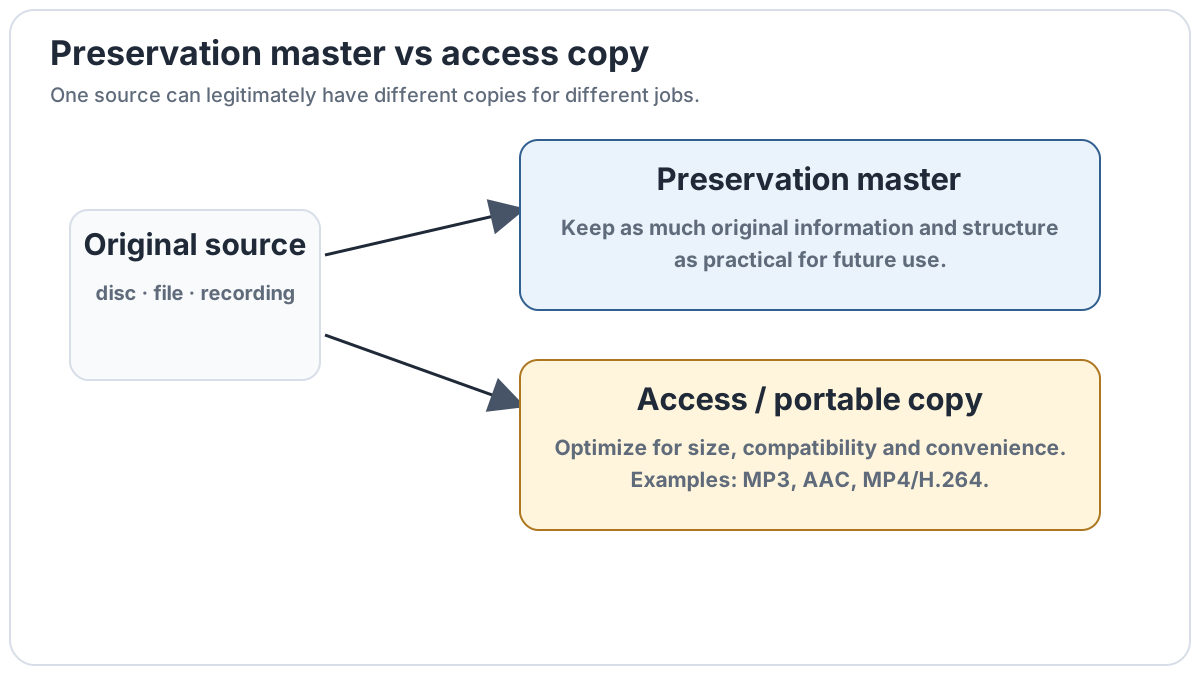
Three different jobs
Media workflows often become confusing because people ask for one "best format" when they are really solving different problems. A preservation copy aims to retain as much of the original source or authored structure as practical. A remux keeps selected encoded streams unchanged but moves them into another container. An access copy deliberately prioritizes size, compatibility, bandwidth or convenience.
| Goal | Typical approach | What changes? |
|---|---|---|
| Preserve the authored object | Disc image, secure CD image, original files | Ideally as little as possible |
| Preserve selected media streams | Remux to MKV/MP4 | Container/structure can change; streams need not |
| Portable playback | MP3/AAC/Opus, MP4/H.264/AAC | Usually re-encoded for size or compatibility |
Preservation master
A preservation master is chosen so future derivatives can be made without returning to the physical source. For an audio CD this can be an accurately extracted image plus a CUE sheet. For a video disc it may be a full-disc image. For ordinary files it may simply be a verified lossless or original file.
Stream-preserving remux
A remux occupies the middle ground. A Blu-ray's HEVC/AVC video, TrueHD/DTS-HD audio and subtitle streams can be moved into Matroska without re-encoding them. The media payload can remain identical even though menus, playlists and other disc-level structures are not preserved.
Access copy
An access copy is made for use rather than preservation. MP3, AAC and Opus are sensible music access formats because they save space and play widely. MP4 with H.264 and AAC is a common compatibility-focused video combination. Creating these copies from a preserved master makes them disposable: if requirements change, they can be regenerated.
Why keep both?
Keeping both avoids forcing one format to satisfy incompatible requirements. A large disc image may be awkward on a phone; a small MP3 cannot recreate discarded source information. The master protects optionality, while the access copy makes everyday playback convenient.
Examples
- Audio CD → secure WAV/CUE or lossless image → MP3/AAC portable files.
- SACD → SACD ISO for the high-resolution disc structure → DSF files for track-based playback if desired.
- Blu-ray → full-disc image for authored structure → MKV remux for library playback → MP4 derivative for portability.
- Lossless music library → LAME MP3, AAC or Opus access copies without touching the master.