Codec profile vs level
A profile usually describes which coding tools or feature set a bitstream may use. A level usually limits how demanding that bitstream may be: picture size, sample rate, decoded-picture buffering, processing rate and/or bitrate.
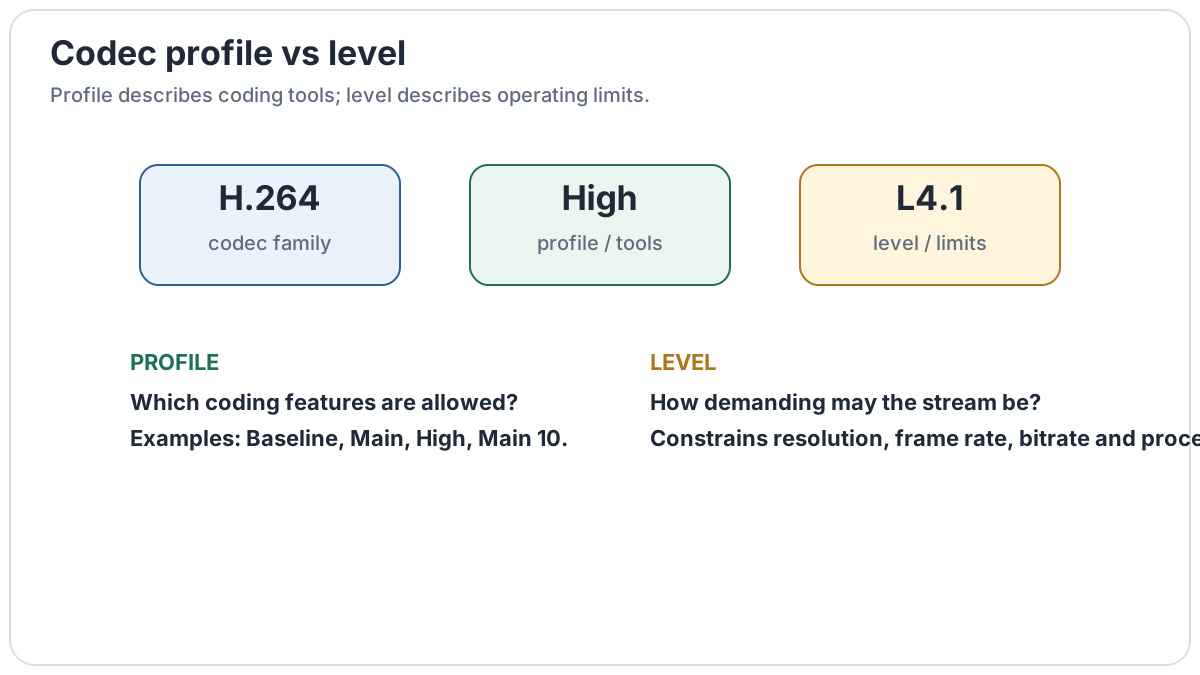
Why codecs use profiles and levels
A codec standard can contain far more tools than every decoder needs. Profiles let implementations support a defined subset. Levels then place ceilings on resource demands so a decoder can advertise a practical capability.
That is why two H.264 files can both be H.264 yet one plays on an older device and another does not. The second file may require a profile, bit depth, chroma mode, reference-frame count or level beyond that decoder.
How to read common labels
| Example | Profile | Level | What it tells you |
|---|---|---|---|
H.264 High@L4.1 | High | 4.1 | High-profile AVC tools within Level 4.1 operating limits. |
HEVC Main 10@L5.1 | Main 10 | 5.1 | HEVC Main 10 feature set, commonly associated with 10-bit 4:2:0, within Level 5.1 constraints. |
AV1 Main profile | Main | May be reported separately | Profile describes supported bit depth/chroma tools; a separate level/tier describes operating scale. |
What a level can constrain
The exact rules differ by codec, but levels commonly constrain combinations of:
- coded picture size and macroblock/sample count;
- maximum processing or luma-sample rate;
- frame rate at a given resolution;
- decoded-picture buffer requirements;
- reference pictures;
- coded bitrate, often with separate tiers in newer standards.
This is why saying “Level 5.1 means 4K” is an oversimplification. A level defines a set of ceilings; several resolution/frame-rate combinations may fit beneath them.
Why a file can be valid but still fail on a device
A television may support “H.264” yet only support particular profiles and levels. A file that exceeds those limits is still valid H.264; it is simply outside that decoder's advertised capability.
The same principle applies to HEVC, AV1 and many other coded formats. Container support alone does not guarantee decoder support.
Common confusion
It permits a more demanding bitstream. Actual quality still depends on source, encoder, bitrate and settings.
A codec profile is part of the bitstream specification. An encoder preset usually controls encoding speed/efficiency trade-offs.